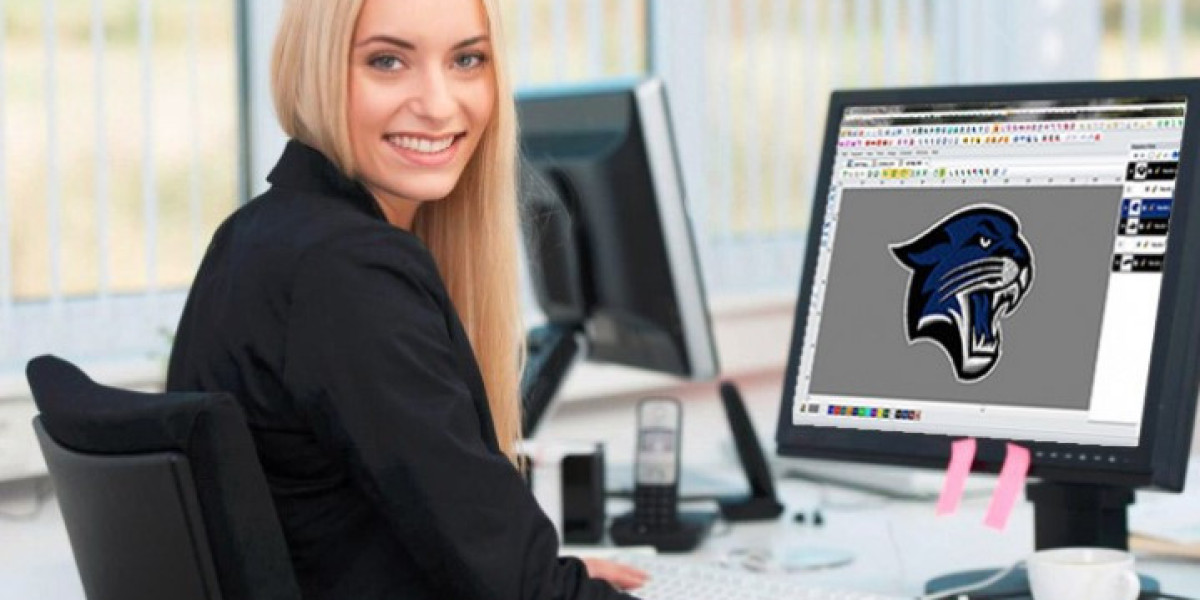

Custom embroidery helps businesses, teams, and brands create a strong image. Logos on caps, shirts, and jackets make products look professional. But beautiful embroidery does not happen by chance. It starts with quality digitizing. A good embroidery file helps machines create clean stitches and sharp details.
Many embroidery shops choose to Digitize Logo for Embroidery before production begins. A logo image cannot be stitched directly. It must be converted into a stitch file with the right density, stitch path, and underlay. Years of embroidery work have shown that proper digitizing improves quality and helps avoid thread breaks and poor results.
This guide explains how logos are digitized for caps, shirts, and jackets. It also shares practical experience that helps create clean and professional embroidery.
What Is Embroidery Digitizing?
Embroidery digitizing is the process of turning artwork into stitch instructions.
Embroidery machines do not understand pictures.
They read stitch files.
These files tell the machine:
Where to sew
Which stitch type to use
Which direction stitches should follow
How dense the stitches should be
Good digitizing creates beautiful embroidery.
Why Logo Digitizing Matters
A Quality File Improves Results
A clean file creates:
Smooth stitches
Sharp outlines
Better machine performance
Less thread breaks
Poor files create many problems.
Every Stitch Counts
Small mistakes can affect the whole design.
Good planning improves quality.
Start with High-Quality Artwork
Clear Images Produce Better Files
Blurry images make digitizing difficult.
Good artwork should have:
Clear lines
Sharp shapes
High resolution
This helps protect logo details.
Vector Files Are Helpful
Vector artwork provides clean edges.
This makes digitizing easier.
Understand the Fabric
Every Material Is Different
Years of embroidery experience show that fabric changes stitch behavior.
Common materials include:
Cotton shirts
Polyester shirts
Jackets
Structured caps
Fleece
Each fabric requires different settings.
Fabric Stretch Matters
Stretch fabrics need special attention.
Proper underlay improves stability.
Choose the Right Stitch Type
Satin Stitches
Satin stitches work well for:
Borders
Small text
Narrow columns
They create smooth and shiny lines.
Fill Stitches
Fill stitches are used for larger areas.
They provide coverage and texture.
Running Stitches
Running stitches are useful for:
Fine details
Outlines
Small elements
Choosing the right stitch type improves quality.
Set Proper Stitch Density
Balanced Density Creates Better Results
Too many stitches can cause:
Thread breaks
Needle breaks
Heavy designs
Too few stitches create gaps.
Proper density creates smooth embroidery.
Density Depends on Fabric
Different fabrics need different settings.
Experienced digitizers adjust density carefully.
Use Underlay Stitches
Underlay Supports the Design
Underlay creates a foundation.
It helps prevent:
Puckering
Distortion
Shifting
Strong support improves appearance.
Different Garments Need Different Underlay
Caps and jackets often require stronger underlay.
This helps maintain shape.
Caps Need Special Attention
Cap Embroidery Is Different
Caps have curved surfaces.
This makes stitching more difficult.
Designs must be planned carefully.
Center-Out Stitching Works Best
Most cap logos start in the center.
This reduces shifting.
Simple Designs Perform Better
Small details may disappear on caps.
Clean logos produce better results.
Digitizing Buddy understands cap embroidery and creates files that help machines stitch clean and balanced designs.
Cap Structure Affects Stitch Quality
Curved surfaces require special settings.
Experience Helps Avoid Problems
Years of practice improve cap embroidery results.
Shirt Embroidery Requires Balance
Left Chest Logos Are Popular
Most shirts feature left chest embroidery.
These designs are usually small.
Sharp details are important.
Lightweight Fabrics Need Care
Heavy stitches may cause puckering.
Balanced density improves appearance.
Small Text Must Stay Clear
Tiny letters require careful planning.
Good digitizing protects readability.
Jacket Embroidery Needs Strong Support
Thick Materials Need More Stability
Jackets are heavier than shirts.
Strong underlay helps control stitches.
Large Logos Need Proper Planning
Big designs require:
Balanced stitch direction
Correct density
Smooth transitions
These settings improve quality.
Thread Flow Matters
Good stitch paths reduce thread breaks.
Machines run more smoothly.
Stitch Direction Creates Texture
Angles Affect Appearance
Different stitch angles create shine and depth.
Good direction improves:
Texture
Shape
Overall appearance
Smooth Paths Reduce Stress
Balanced stitching helps machines work efficiently.
This improves production speed.
Pull Compensation Helps Maintain Shape
Thread Pull Changes Designs
Stitches pull fabric inward.
Without compensation, shapes may shrink.
Small Changes Make Big Differences
Experienced digitizers adjust pull compensation to maintain clean edges.
This protects logo accuracy.
Human Skill Matters
Software Cannot Replace Experience
Automatic software helps speed up work.
But human knowledge remains important.
Experienced digitizers understand:
Fabric behavior
Thread movement
Machine limits
This knowledge improves results.
Manual Editing Creates Better Files
Small adjustments improve:
Density
Underlay
Stitch direction
Compensation
These changes help create beautiful embroidery.
Digitizing Buddy focuses on machine-ready files that support smooth stitching and professional quality.
Test Stitching Is Important
Samples Reveal Problems
Test runs help find:
Gaps
Distortion
Thread breaks
Fixing problems early saves money.
Adjustments Improve Results
Small changes create stronger designs.
Practice improves quality.
Common Problems in Logo Embroidery
Thread Breaks
Heavy density creates stress.
Puckering
Weak underlay causes wrinkles.
Uneven Shapes
Poor stitch direction changes the design.
Small Text Becomes Unclear
Tiny letters require special settings.
Professional digitizing helps avoid these problems.
Choosing a Professional Digitizing Service
Experience Matters
Years of practice improve results.
Look at Samples
Good files show:
Smooth stitches
Sharp text
Clean borders
Balanced density
Fast Support Helps
Quick communication saves time.
Digitizing Buddy provides quality digitizing services that help businesses and embroidery shops achieve dependable results.
Benefits of Professional Logo Digitizing
Professional digitizing provides:
Better stitch quality
Less thread breaks
Faster production
Reduced waste
Better customer satisfaction
These benefits improve business growth.
Conclusion
Learning how to digitize a logo for embroidery is important for creating beautiful caps, shirts, and jackets. Good digitizing protects details, improves machine performance, and creates professional results. Years of embroidery experience show that fabric type, stitch density, underlay, and stitch direction all affect quality.
Whether you are creating logos for business apparel or personal projects, quality digitizing is the foundation of beautiful embroidery. When the file is built correctly, every stitch becomes cleaner, smoother, and more reliable.